

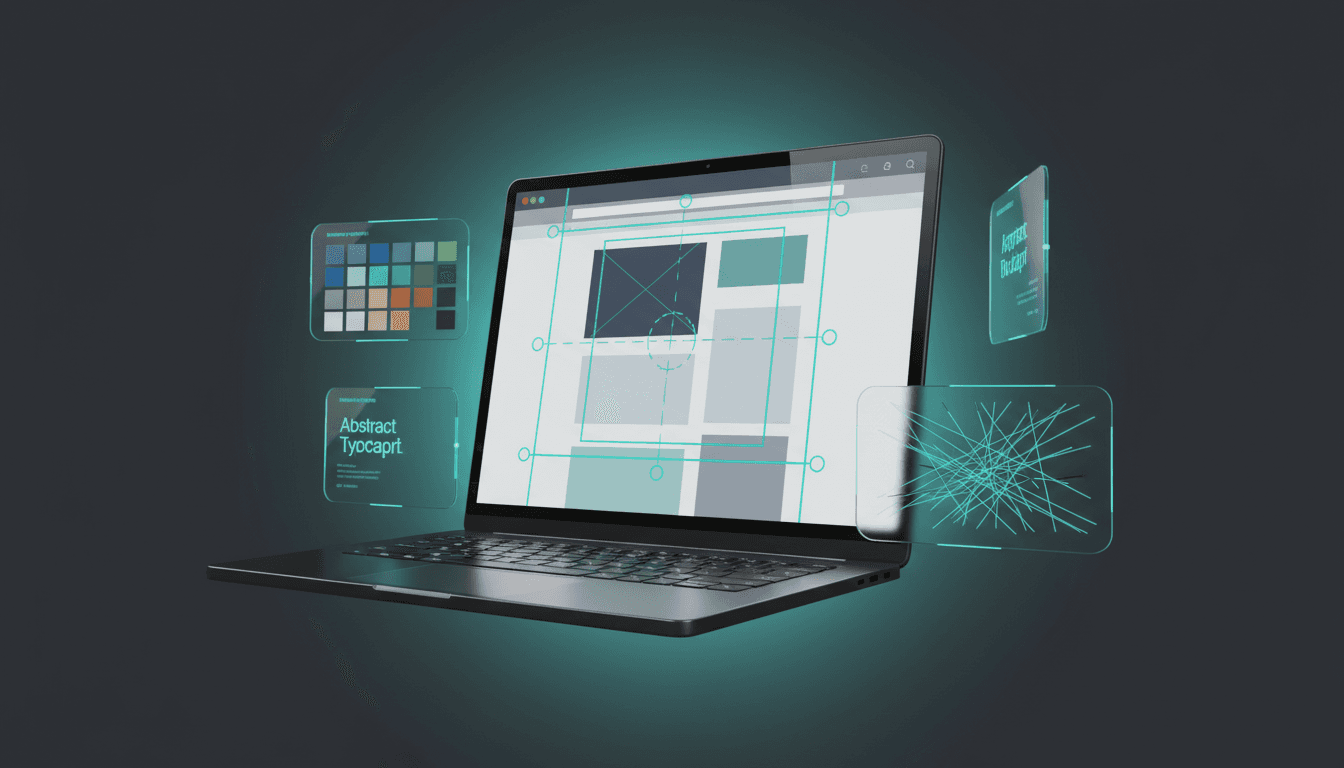
Webflow: How to Build a Professional Website in 2026
Webflow has established itself as the reference platform for professional website creation without code. Here's everything you need to know to get started and succeed.
Why Webflow?
Webflow stands out from other website builders for three reasons:
- Design freedom: unlike Wix or Squarespace, Webflow gives you control over every CSS property — without writing CSS
- Clean code output: Webflow generates semantic, production-quality HTML/CSS
- Built-in CMS: manage blog posts, portfolio items, and any dynamic content visually
Who Uses Webflow?
- Design agencies: building client sites at scale
- Marketing teams: creating and updating landing pages autonomously
- Startups: launching professional web presence quickly
- E-commerce brands: building unique shopping experiences
Getting Started with Webflow
The Interface
Webflow's interface has four main areas:
- Canvas: where you design your page visually
- Navigator: tree view of all elements on the page
- Style panel: control every visual property (spacing, colors, typography, animations)
- Settings panel: page settings, SEO, Open Graph
Key Concepts
- Sections: full-width containers that organize your page vertically
- Containers: centered, max-width wrappers for content
- Grid and Flexbox: layout tools for responsive design
- Classes: reusable style definitions (like CSS classes)
- Interactions: animations triggered by scroll, hover, or click
Building a Professional Site: Our Process
1. Structure First
Start with the HTML structure before styling:
- Add sections for each content block
- Use semantic elements (nav, main, footer)
- Plan your class naming convention
2. Design System
Create reusable components early:
- Typography styles: heading sizes, body text, links
- Color variables: primary, secondary, neutral, accent
- Spacing system: consistent margins and padding
- Button styles: primary, secondary, ghost variants
3. Responsive Design
Design desktop-first, then adapt for tablet and mobile:
- Webflow provides three breakpoints by default
- Use relative units (%, vw, vh) instead of fixed pixels
- Test every layout on actual devices
4. CMS Integration
Webflow's CMS lets you create dynamic content:
- Collections: define content types (blog posts, team members, projects)
- Collection pages: template for individual items
- Collection lists: display filtered/sorted content anywhere
5. SEO Optimization
Webflow provides excellent SEO tools:
- Custom meta titles and descriptions per page
- Auto-generated XML sitemap
- 301 redirect management
- Custom Open Graph images
- Automatic responsive images (WebP format)
- Clean URL structure
Webflow vs. Competitors
| Feature | Webflow | WordPress | Framer | Wix |
|---|---|---|---|---|
| Design freedom | Excellent | Good (with builders) | Very good | Limited |
| SEO capabilities | Excellent | Excellent | Good | Good |
| CMS | Built-in | Core feature | Basic | Built-in |
| Performance | Very good | Variable | Excellent | Average |
| Learning curve | Medium | Low-Medium | Low | Low |
| Pricing | From €14/mo | From €4/mo | From €5/mo | From €16/mo |
Limitations and Workarounds
E-commerce: Webflow's native e-commerce is limited compared to Shopify. For complex stores, consider Shopify with a Webflow-built frontend.
Dynamic interactions: while Webflow's interactions are powerful, very complex animations may require custom code embeds.
Membership features: native membership is basic. For advanced features, integrate with Memberstack or Outseta.
Multi-language: Webflow doesn't support native multi-language. Use Weglot or Bablic for translation.
Pricing Guide
| Plan | Price | Best For |
|---|---|---|
| Starter | Free | Learning and prototyping |
| Basic | €14/month | Simple websites |
| CMS | €23/month | Blog and dynamic content |
| Business | €39/month | Advanced features |
| Enterprise | Custom | Large organizations |